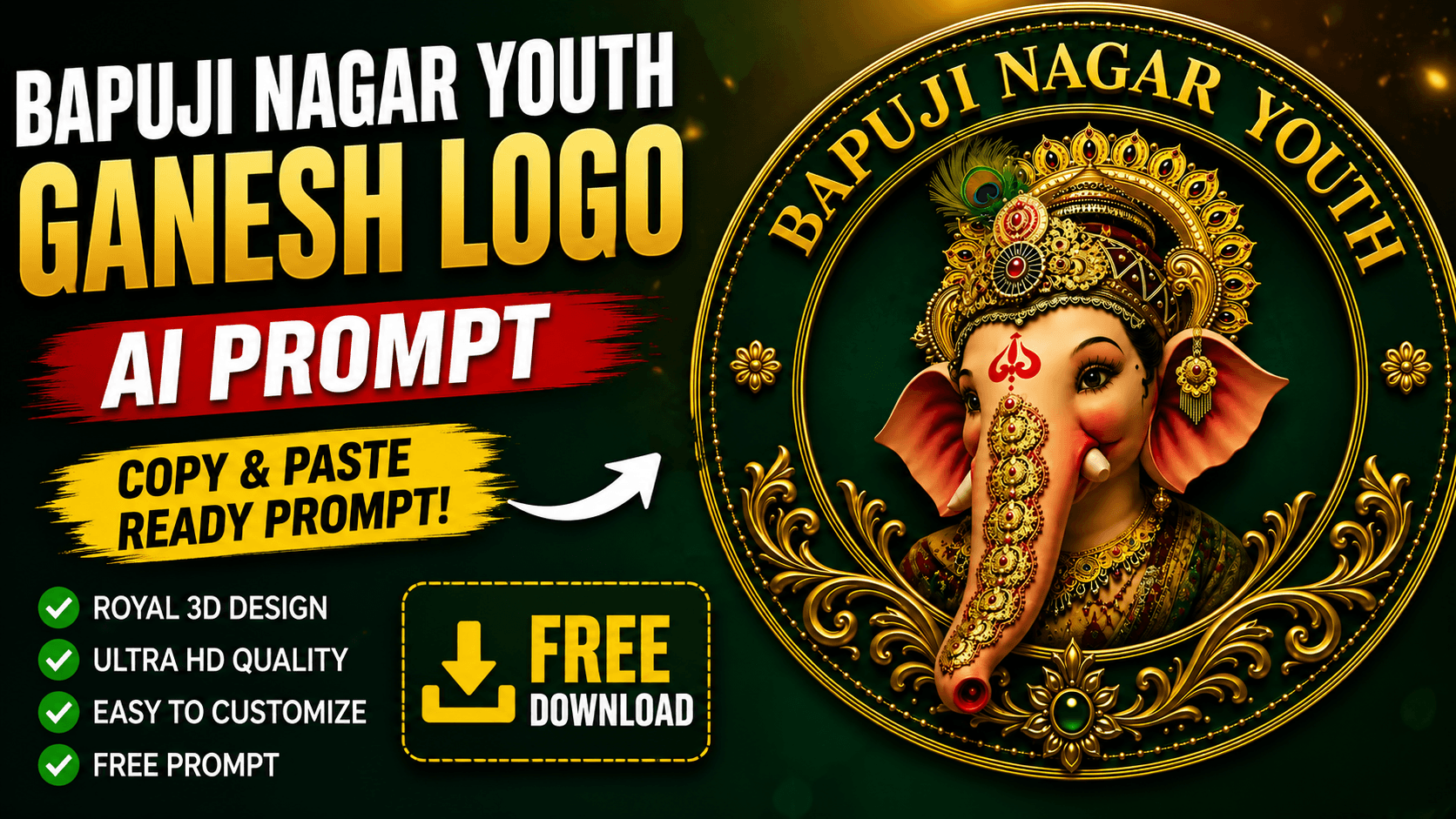
Ganesh Logo AI Prompt is the easiest way to create a stunning Royal 3D Ganesh logo using AI. This page provides a free copy-and-paste AI prompt to create stunning Royal 3D Ganesh logos.
Ganesh Chaturthi is one of India’s biggest festivals, and every year thousands of youth associations, Ganesh committees, villages, and colonies look for unique logo designs for banners, flex printing, WhatsApp DPs, Instagram posts, and social media promotions.
If you’re searching for a Royal 3D Ganesh Logo AI Prompt, this page provides a ready-to-use prompt that can generate stunning premium-quality Ganesh logos using AI.
This Ganesh Logo AI Prompt is perfect for creating premium Royal 3D festival logos for villages, colonies, youth associations, and Ganesh committees.
Important Note
The text “BAPUJI NAGAR YOUTH” shown in the preview image is only an example.
You can replace it with any name you want, such as:
- Your Village Name
- Your Colony Name
- Your Area Name
- Your Youth Association
- Your Ganesh Committee
- Your Friends Group
- Your Organization Name
- Your Society Name
Examples
- Sri Vinayaka Youth
- Shiva Shakthi Youth
- Sai Ganesh Youth
- Friends Association
- Jai Ganesh Youth
- Vinayaka Seva Samithi
- Lakshmi Nagar Youth
- Gandhi Nagar Youth
- RK Colony Youth
- Your Custom Name
Simply replace “BAPUJI NAGAR YOUTH” inside the prompt with your preferred name before generating the image.
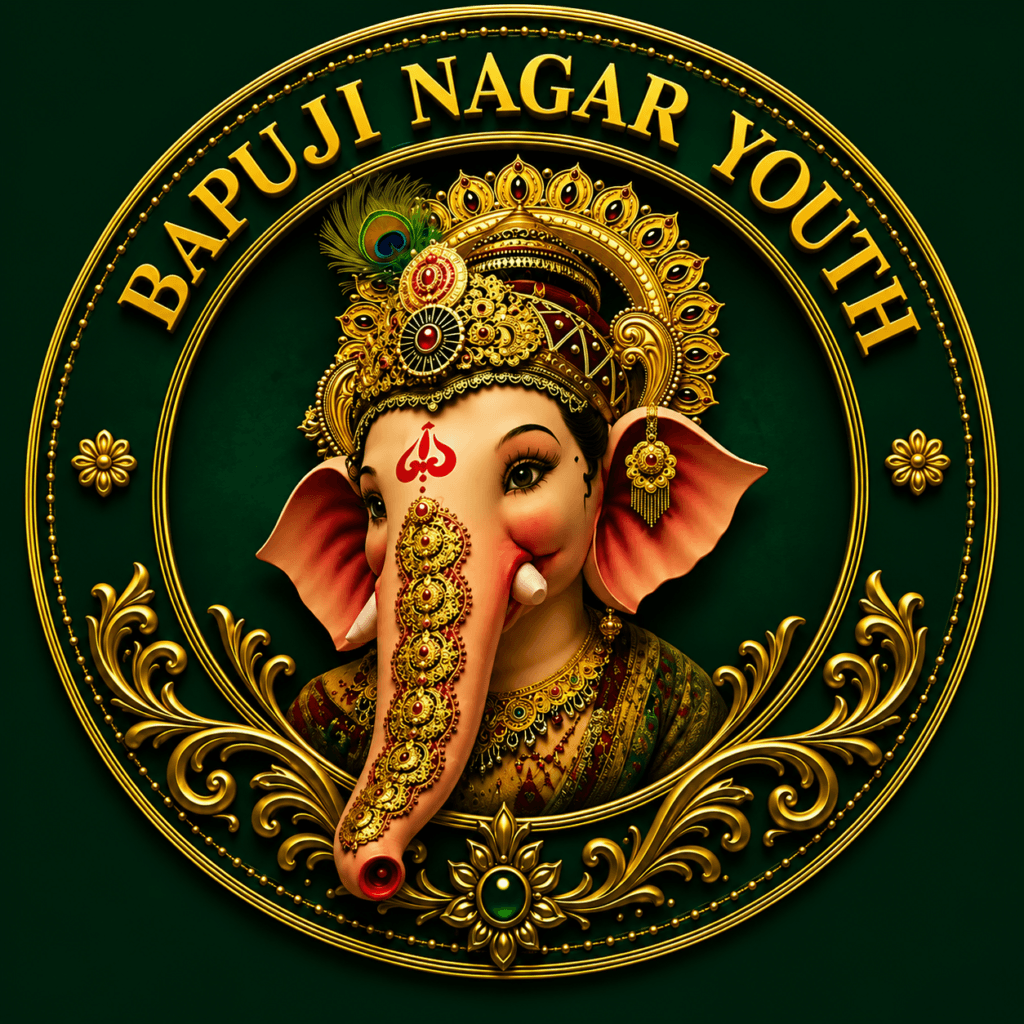
👇 Photo Prompt
✨ Photo Prompt
Create an ultra-premium Royal 3D circular Ganesh logo featuring Lord Ganesha with a majestic golden crown, intricate gold jewelry, peacock feather, elegant trunk decorations, expressive eyes, luxurious traditional attire, and realistic facial details.The logo should have a rich emerald green background with multiple luxurious gold circular borders, embossed metallic effects, ornamental floral patterns, decorative scrollwork, gemstone accents, and a premium festival branding style. Place the customizable text "BAPUJI NAGAR YOUTH" in elegant gold embossed serif typography around the top circular border. This text is only an example and should be easily replaceable with any custom village name, colony name, youth association, Ganesh committee, organization name, or friends group.Ultra-realistic, hyper-detailed, 3D embossed logo, cinematic lighting, symmetrical composition, luxury royal aesthetic, vibrant colors, sharp focus, professional vector-inspired finish, premium branding, 8K Ultra HD, centered composition, masterpiece quality.
How to Use This Ganesh Logo AI Prompt
Creating your own personalized Ganesh logo is simple. Just follow these steps:
Step 1: Copy the Prompt
Copy the complete AI prompt provided above.
Step 2: Replace the Example Name
Replace “BAPUJI NAGAR YOUTH” with your own village name, colony name, youth association, Ganesh committee, organization name, or any custom text.
Step 3: Open an AI Image Generator
Paste the prompt into your preferred AI image generator such as ChatGPT Image, Google Gemini, Midjourney, Leonardo AI, Flux AI, Ideogram, or Grok AI.
Step 4: Generate the Image
Click the Generate button and wait for the AI to create your custom Ganesh logo.
Step 5: Download Your Logo
Download the generated logo in high resolution and use it for banners, flex printing, WhatsApp DP, Instagram posts, Facebook covers, invitation cards, or other Ganesh Chaturthi festival materials. Using this Ganesh Logo AI Prompt correctly will help you generate more detailed and professional-looking festival logos.

Best AI Image Generators for This Ganesh Logo AI Prompt
This Ganesh Logo AI Prompt works with most modern AI image generators. However, the final image quality may vary depending on the AI model you choose. If you’re not satisfied with the first result, try the same prompt in another AI image generator to compare different artistic styles and details.
ChatGPT Image
ChatGPT Image is one of the easiest tools for creating high-quality festival logos. It understands detailed prompts very well and can generate premium Royal 3D Ganesh logos with realistic lighting, rich gold textures, and intricate ornaments.
👉 Official Website: https://chatgpt.com
Google Gemini
Google Gemini can also generate impressive AI artwork from detailed prompts. It is a good option if you want to experiment with different artistic styles and logo variations.
👉 Official Website: https://gemini.google.com
Tips for Getting the Best AI Results
To create the most impressive Royal 3D Ganesh logo, follow these simple tips before generating your image.
Use the Complete Prompt
Always copy the entire prompt without removing any details. The more descriptive the prompt, the better the AI understands your requirements.
Replace the Example Name
Before generating the image, replace “BAPUJI NAGAR YOUTH” with your own village name, colony name, youth association, Ganesh committee, organization name, or any custom text.
Generate in High Resolution
Choose the highest available image quality (4K or 8K) to get sharp details that are suitable for banners, flex printing, posters, and social media.
Try Multiple AI Image Generators
If one AI tool doesn’t produce the exact style you want, try the same prompt in ChatGPT Image, Google Gemini, Leonardo AI, Midjourney, Flux AI, or Ideogram AI. Different AI models can produce different artistic styles.
Generate More Than One Version
Create multiple variations of the same prompt and choose the design you like the most. Small variations often produce unique and better-looking festival logos.
Save the Prompt for Future Use
Keep a copy of the prompt so you can quickly update the logo every year by simply changing the custom name or making small design improvements.
Benefits of This Prompt
- Royal 3D logo design
- Editable custom name
- High-quality 4K and 8K output
- Perfect for banners and flex printing
- Ideal for social media posts and WhatsApp DP
- Works with multiple AI image generators
- Easy to copy and customize
- Suitable for Ganesh Chaturthi celebrations
Frequently Asked Questions (FAQ)
Is this Ganesh Logo AI Prompt free to use?
Yes. This AI prompt is completely free to copy, customize, and use for personal or festival-related projects.
Can I replace the example name in the prompt?
Absolutely. The name “BAPUJI NAGAR YOUTH” is only an example. You can replace it with your village name, colony name, youth association, Ganesh committee, organization name, or any custom text.
Which AI image generator gives the best results?
This prompt works well with ChatGPT Image, Google Gemini, Midjourney, Leonardo AI, Flux AI, Ideogram AI, and Grok AI.
Can I use the generated logo for banners and flex printing?
Yes. Generate the logo in 4K or 8K resolution for the best print quality on banners, flexes, posters, and other festival materials.
Can I use this logo on social media?
Yes. You can use the generated logo on Instagram, Facebook, WhatsApp, YouTube, and other social media platforms.
Final Tips
Before generating your Ganesh logo, double-check that you have replaced the example name with your own custom text. Use the complete AI prompt without removing important details to achieve the best results.
If the first generated image doesn’t meet your expectations, generate a few more variations and choose the one that best matches your festival theme. For banners and flex printing, always download the highest available resolution to ensure sharp and professional print quality.
Conclusion
Creating a professional Ganesh logo has never been easier. With this free Ganesh Logo AI Prompt, you can generate stunning Royal 3D festival logos in just a few clicks.
Simply copy the prompt, replace the example name with your own village, colony, youth association, Ganesh committee, or organization name, and let your favorite AI image generator create a unique design.
Whether you’re designing a logo for banners, flex printing, social media, invitation cards, or Ganesh Chaturthi celebrations, this prompt saves time while delivering premium-quality results.
Don’t forget to bookmark this page and share it with your friends who are looking for free AI prompts and creative festival logo ideas. This Ganesh Logo AI Prompt helps you create professional festival logos in minutes.
As AI image generation continues to improve, creating unique festival logos has become easier than ever. Save this page for future Ganesh Chaturthi celebrations and revisit it whenever you need a fresh, premium-quality Ganesh logo.
We regularly publish new AI prompts for logos, banners, posters, and festival designs to help you create professional visuals in just a few minutes. Bookmark this page to access this Ganesh Logo AI Prompt whenever you need a new custom Ganesh festival logo.
1 thought on “Ganesh Logo AI Prompt (Copy & Paste) | Create Royal 3D Ganesh Logo Free”